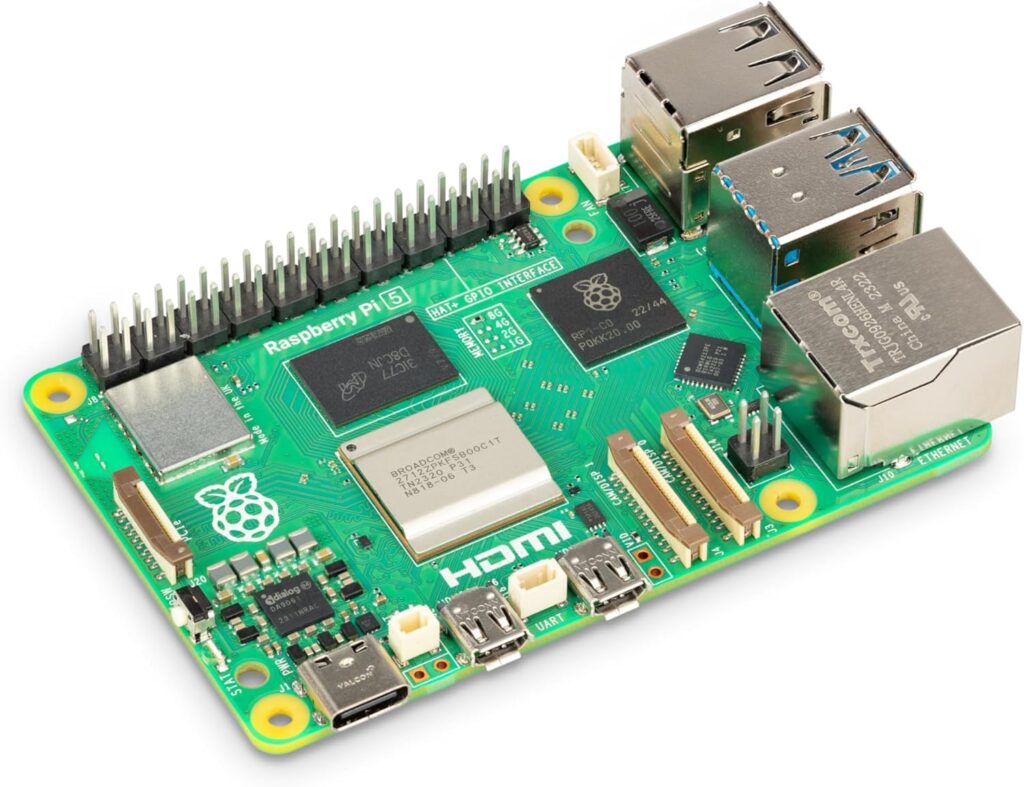
Introduction to Raspberry Pi for Developers: A Complete Beginner-Friendly Guide
The Raspberry Pi has become one of the most popular mini-computers in the world, especially among developers, IoT enthusiasts, embedded system engineers, and makers. With its low cost, small size, and powerful capabilities, the Raspberry Pi allows developers to build everything from home automation systems to AI-driven robotics. This guide gives you a complete introduction to Raspberry Pi, its features, supported programming languages, popular libraries, and important modules you can use to extend its power.
What Is Raspberry Pi?
The Raspberry Pi is a small single-board computer developed by the Raspberry Pi Foundation. Despite its compact size, it functions like a full desktop computer—supporting Linux-based OS, Python, C++, JavaScript, GPIO pin programming, and many hardware interfaces.
Developers use Raspberry Pi for:
- IoT (Internet of Things) projects
- Automation and robotics
- Machine learning and AI prototypes
- Home servers and media centers
- Networking and security experiments
- Education and coding practice
The latest versions like Raspberry Pi 5 offer significantly improved CPU, GPU, RAM, and USB 3.0 support, making it ideal for performance-heavy tasks.
| Image | Product | Features | Price |
|
Our Pick
1
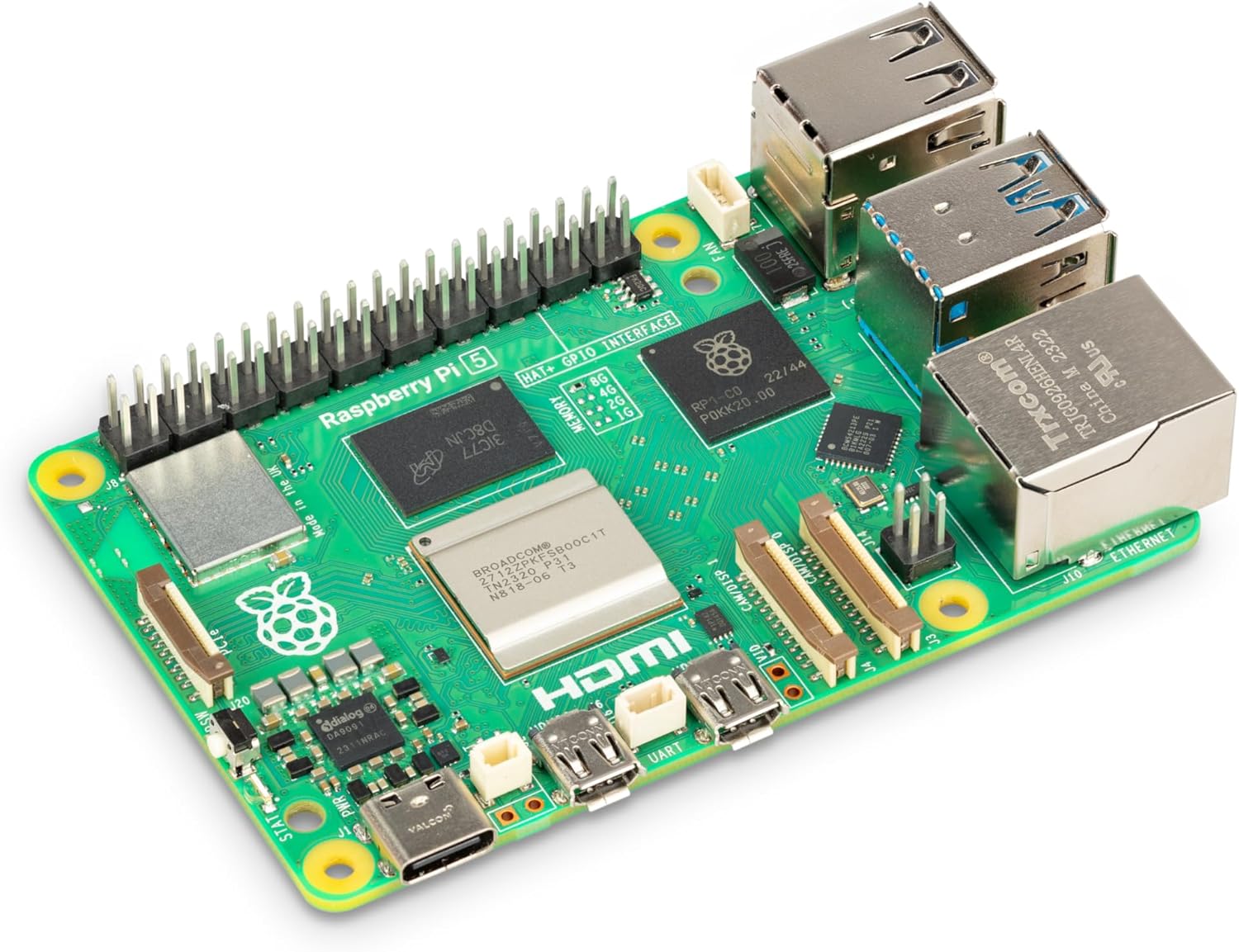 |
Raspberry Pi 5, 8GB |
Brand |
Why Developers Love Raspberry Pi
1. Cost-Effective Mini Computer
Compared to Arduino or other microcontrollers, the Raspberry Pi is a full computer capable of multi-tasking, running operating systems, and connecting to the internet.
2. Easy Programming with Python
Python is the official language for Raspberry Pi, allowing beginners and professionals to write hardware-interactive code easily using GPIO libraries.
3. Vast Community and Documentation
Millions of developers share tutorials, code snippets, GitHub repositories, and modules, making learning extremely easy.
Popular Raspberry Pi Libraries for Developers (With Links)
Raspberry Pi supports various programming libraries that give developers access to hardware, networking, sensors, and robotics. Below are the essential ones:
1. RPi.GPIO Library (Python)
Keyword: Raspberry Pi GPIO Python library
- Official link: https://pypi.org/project/RPi.GPIO/
This is the most widely used library for controlling the GPIO pins. You can read sensor data, control LEDs, buzzers, motors, and build automation systems.
import RPi.GPIO as GPIO
import time

GPIO.setmode(GPIO.BCM)
GPIO.setup(17, GPIO.OUT)

while True:
    GPIO.output(17, GPIO.HIGH)
    time.sleep(1)
    GPIO.output(17, GPIO.LOW)
    time.sleep(1)
2. GPIO Zero
Keyword: GPIO Zero for Raspberry Pi
- Official link: https://gpiozero.readthedocs.io/
A beginner-friendly Python library that simplifies hardware control. It includes high-level interfaces for LEDs, buttons, motors, and more.
3. PiCamera / Picamera2
Keyword: Raspberry Pi camera module library
- Official link: https://github.com/raspberrypi/picamera2
Used for capturing images, video streaming, computer vision, and AI projects using the Raspberry Pi Camera Module. Code below is for single camera capture
4. Sense HAT Library
Keyword: Raspberry Pi Sense HAT Python library
- Official link: https://pythonhosted.org/sense-hat/
Useful for data science and sensor-based applications. It reads temperature, humidity, pressure, gyroscope, and accelerometer values.
from sense_hat import SenseHat
sense = SenseHat()

sense.show_message("Hello Pi!")
5. Pygame for Raspberry Pi
Keyword: Pygame on Raspberry Pi
- Official link: https://www.pygame.org/news
Suitable for creating graphical interfaces, games, or dashboards on Raspberry Pi. Simple Window Code in Pygame
import pygame
pygame.init()

screen = pygame.display.set_mode((600, 400))
pygame.display.set_caption("Pygame Window Example")

running = True
while running:
    for event in pygame.event.get():
        if event.type == pygame.QUIT:
            running = False

    screen.fill((0, 0, 255))  # Blue background
    pygame.display.update()

pygame.quit()
6. OpenCV for Computer Vision
Keyword: OpenCV Raspberry Pi AI library
- Official link: https://opencv.org/
Developers use OpenCV to build AI-powered computer vision applications like face detection, object tracking, and machine learning.
import cv2

cap = cv2.VideoCapture(0)
ret, frame = cap.read()

if ret:
    cv2.imwrite("photo.jpg", frame)
    print("Photo saved as photo.jpg")

cap.release()
7. Flask / Django for Web Applications
Keyword: Raspberry Pi web server using Flask
- Flask: https://flask.palletsprojects.com/
- Django: https://www.djangoproject.com/
These libraries turn Raspberry Pi into a web server for dashboards, IoT APIs, and automation portals.
ALL OF THESE CODES COULD BE WRITTEN IN C++ FOR BETTER LOW LEVEL CONTROL. CHECK OUT
Essential Raspberry Pi Modules for Development
Raspberry Pi modules extend what the board can do. Below are popular modules that developers frequently use for IoT, robotics, and automation.
1. Raspberry Pi Camera Module
Captures images and videos for robotics, surveillance, and AI. Works with Picamera2 and OpenCV.
Use Cases
- Object detection
- Video streaming
- Face recognition
- Smart doorbells
| Image | Product | Features | Price |
|
Our Pick
1
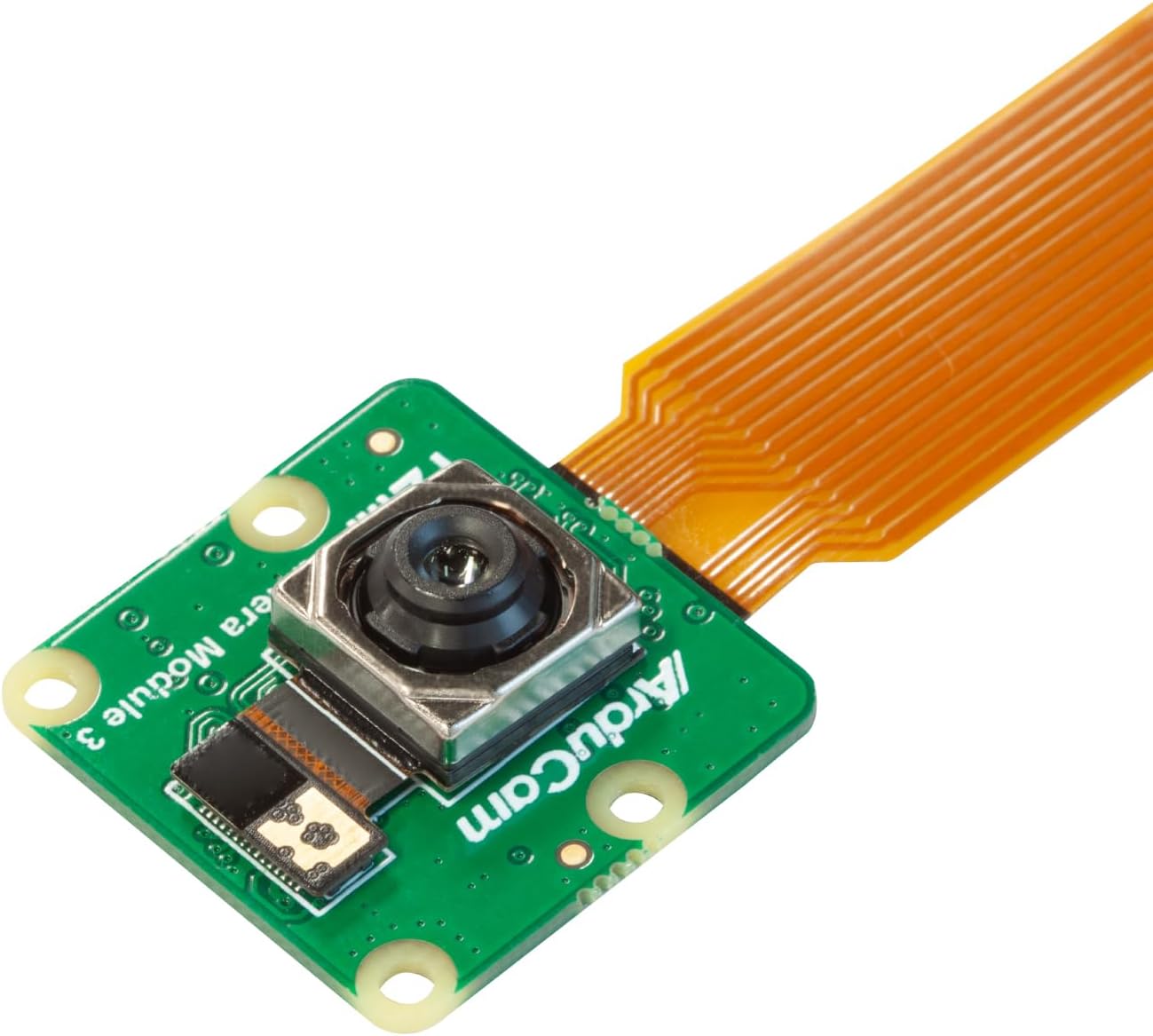 |
Arducam for Raspberry Pi Camera Module 3, 12MP IMX708 75°(D) Autofocus Pi Camera V3, 15-22pin FFC Cable |
Model Name |
2. Sense HAT Module
A sensor-packed add-on board used heavily in data logging, weather stations, and scientific experiments.
| Image | Product | Features | Price |
|
Our Pick
1
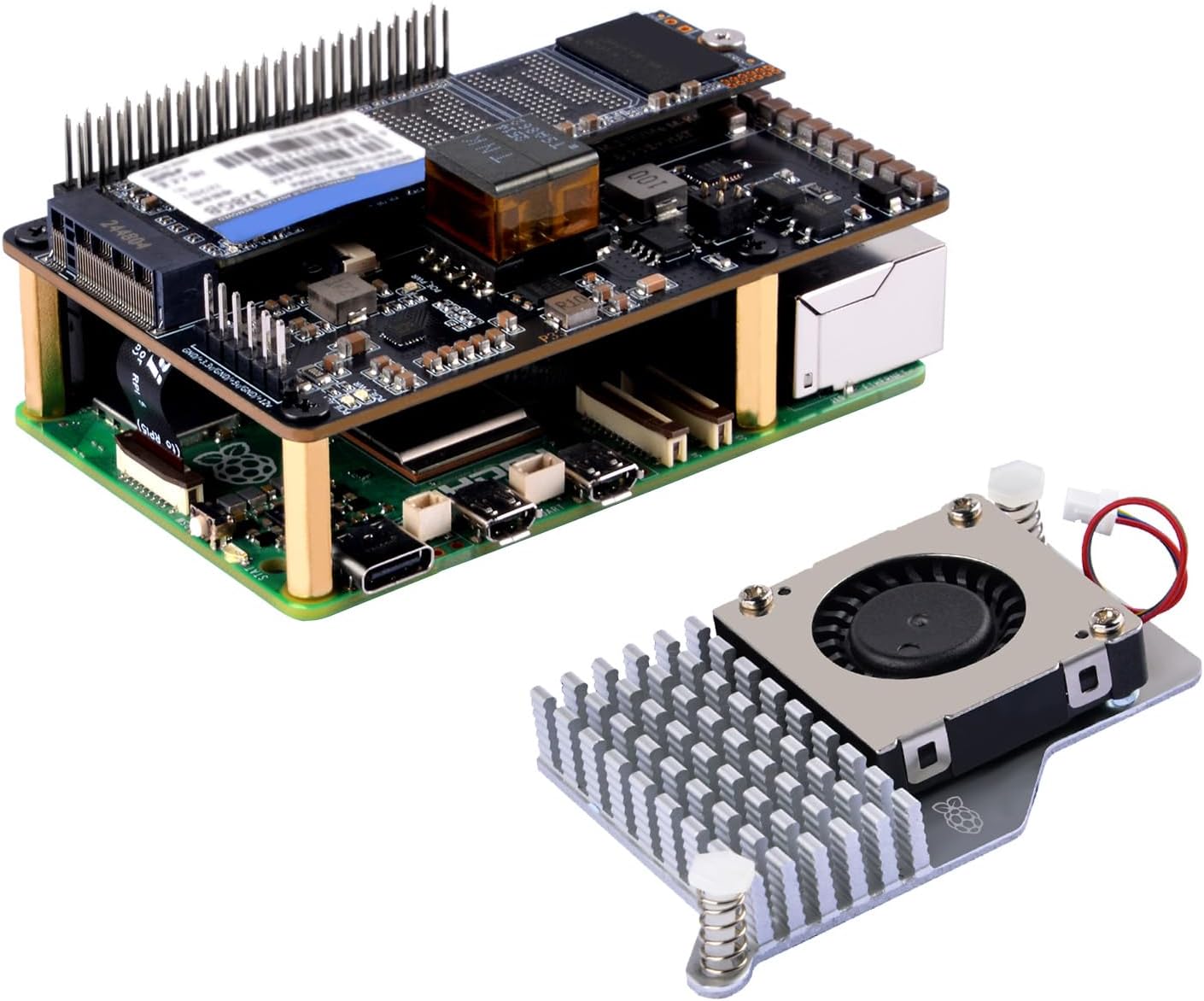 |
GeeekPi P33 M.2 NVME M-Key PoE+ Hat with Official Pi 5 Active Cooler for Raspberry Pi 5, Support M.2 NVMe SSDs 2230/2242/2260/2280 |
Compatible Devices |
Includes:
- Gyroscope
- Accelerometer
- Magnetometer
- Temperature/Humidity sensor
- LED matrix display
3. GPS Modules (Neo-6M, VK2828U7G5LF, etc.)
Used for navigation, mapping, and location-based IoT systems.
Where It Helps
- Drone tracking
- Vehicle logging
- Outdoor robotics
4. Motor Driver Modules (L298N, L293D)
Allow Raspberry Pi to control DC motors, servo motors, and robotic wheels.
Applications:
- Robotic arms
- Line-follower robots
- Automated vehicles
5. Wi-Fi & Bluetooth Modules
Most modern Raspberry Pi boards have built-in Wi-Fi and Bluetooth, but external modules improve range and stability.
6. Touchscreen Display Modules
Developers use them to build custom UI dashboards, home automation control panels, and portable mini computers.
| Image | Product | Features | Price |
|
Our Pick
1
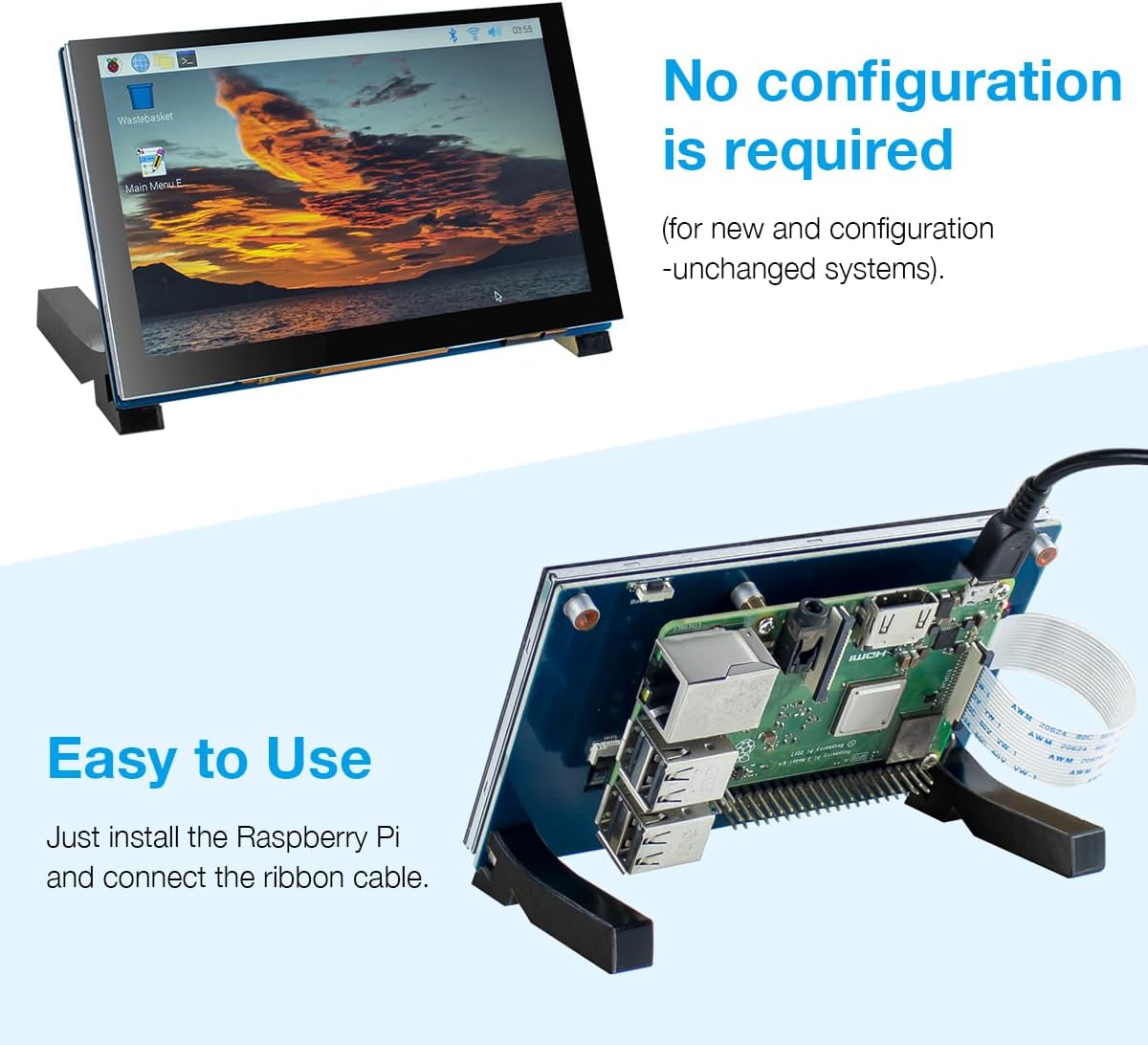 |
5 Inch Touchscreen IPS MIPI DSI Display Compatible with Raspberry Pi 5/4/3, 800×480 Pixel Capacitive Screen Driver-Free Interface |
Brand |
How Raspberry Pi Benefits Developers in Real Projects
1. IoT & Home Automation
Developers use Raspberry Pi with sensors and libraries like GPIO Zero and MQTT to build smart home devices.
2. Robotics & AI
Combined with OpenCV, TensorFlow Lite, and motor modules, Pi becomes a reliable robotics brain.
3. Cloud & Networking Projects
You can create a personal cloud, VPN server, or network monitoring tool with lightweight Python scripts.
4. Learning Linux & Embedded Systems
Raspberry Pi is the perfect starting point for developers wanting to understand Linux, Bash, SSH, containers, and networking.
Final Thoughts
The Raspberry Pi is a powerful tool for developers of all levels. Its combination of affordability, flexibility, strong community support, and powerful hardware makes it ideal for IoT, automation, robotics, and AI experiments. With libraries like GPIO Zero, RPi.GPIO, and OpenCV, developers can build professional-grade applications quickly.
Whether you’re building your first LED blinking project or deploying a full automation system, Raspberry Pi gives you everything you need to innovate.

The Raspberry Pi’s ability to handle performance-heavy tasks, especially with the latest version, is impressive. It’s exciting to think about how it’s being used in fields like AI and robotics, where even small computers can make a huge impact.
Really useful post — practical takeaways I can apply directly. Thanks for taking the time to write this up.
Good write-up on this. Appreciate the level of detail and the hands-on perspective you brought to it.
This is a really helpful perspective. I’ve been working with AI image generation lately and the in-image text accuracy has been a game-changer for producing polished visuals.
Appreciate the practical perspective here. A lot of advice in this space is too generic to be actionable.
Really solid intro to the topic — the practical examples make the concepts much more digestible.
Great intro guide for developers getting into Raspberry Pi in 2026. The ecosystem has matured a lot and the new use cases being unlocked at this price point are remarkable.
Great intro guide — the way you framed Raspberry Pi as a bridge between software development and physical computing is exactly the right mental model for beginners. The 2026 hardware update section is particularly useful since a lot of older tutorials are still referencing Pi 3 specs.
Solid write-up — the practical examples really help ground the technical concepts. The section on hands-on implementation is especially useful for developers who learn better by doing rather than reading specs in isolation.
The Raspberry Pi continues to be one of the most versatile platforms for developers who want to prototype embedded systems and IoT applications without committing to expensive hardware — the 2026 update to the ecosystem makes a lot of previously complex tasks genuinely approachable. The section on headless setup and remote development workflow is particularly useful for anyone who wants to use it as a lightweight server. Great introductory guide that doesn’t oversimplify the interesting parts.
Love the approach here. The layering of flavors you describe is something I’ve been experimenting with too. For a food blog project I contribute to, Seedream 4.5 has been useful for generating styled recipe card illustrations.
Excellent intro to Raspberry Pi for developers in 2026. The ecosystem has really matured from simple GPIO projects to full edge computing deployments. The section on headless setups is especially practical.
This Raspberry Pi guide is exactly what developers need in 2026 — the GPIO and connectivity sections are especially useful. I’ve been building Pi-based media projects and recently used Kling 3.5 to generate instructional demo videos for my projects. Pairing hardware tutorials with AI-generated visual demos makes the learning curve much smoother.
Raspberry Pi remains one of the most versatile platforms for developers looking to experiment with embedded systems and IoT projects in 2026. The expanded RAM options and improved GPIO capabilities in recent models have opened up possibilities that were previously impractical. A solid foundation guide for developers entering the hardware space.
Great resource for developers getting started with Raspberry Pi — the combination of affordable hardware and a thriving open-source ecosystem makes it one of the most accessible platforms for learning embedded systems and IoT development. Structured guides like this fill an important gap for those transitioning from software to hardware projects.
Really solid beginner guide — the breakdown of GPIO pin modes and the SSH setup steps are particularly well-explained for 2026 hardware. I found the section on running lightweight servers on the Pi very relevant for my own IoT experiments. Bookmarking this one for when I walk through Pi setup with my team.
I love how organized and detailed this is. Very informative!
Great content simple to follow but still very in depth.
Excellent intro to Raspberry Pi for developers in 2026 — the sections on setting up the environment and using it for IoT projects are especially useful for beginners. I’ve been pairing Raspberry Pi projects with visual documentation tools like Muse Image to create circuit diagram illustrations and project showcase images.
Solid 2026 guide to Raspberry Pi for developers — the GPIO and headless setup sections are exactly what beginners need. For technical tutorial creators, transcribing recorded walkthroughs to create written step-by-step guides alongside the video is a great way to improve accessibility.
Thanks for covering Introduction to Raspberry Pi for Developers 2026 Guide so thoroughly. The practical examples help a lot. On the audio side, I’ve been exploring Lyria 4 for generating background music — it handles genre and mood prompts really well.
Great practical introduction — the GPIO section in particular is written at the right level for developers coming from a purely software background. The progression from basic I/O to networked applications is well-paced.
Really useful read on this topic. I’ve been experimenting with different transcription workflows lately and came across Speech Notes — it does a solid job turning recordings and uploaded media into editable text, which has saved me a fair bit of time on note-taking.
Really clear explanation. I’ve been looking for a resource that covers this without oversimplifying, and this hits the mark. The step-by-step approach is very helpful.
Clean introduction — the section on GPIO basics and setting up the dev environment is well-paced for someone coming from a software-only background. The 2026 angle is helpful too since a lot of older Pi tutorials assume hardware familiarity that beginners don’t have. Bookmarked this for the next time I recommend a starter project.
Very thorough explanation of the 1031 exchange process. The timeline requirements are often where investors trip up, and your breakdown of the 45/180-day rules is especially clear.
Great updated guide for 2026 — the Pi 5’s performance improvements really do open up use cases that were borderline impractical on earlier hardware, especially for local AI inference and computer vision projects. The GPIO section is as relevant as ever for hardware integration work. Documentation visuals for embedded projects have gotten much easier to produce with modern AI tools.
Really solid beginner-friendly breakdown of Raspberry Pi for 2026. The focus on practical use cases rather than just hardware specs makes this stand out. The section on integrating IoT projects is especially useful for developers transitioning from cloud-only work.