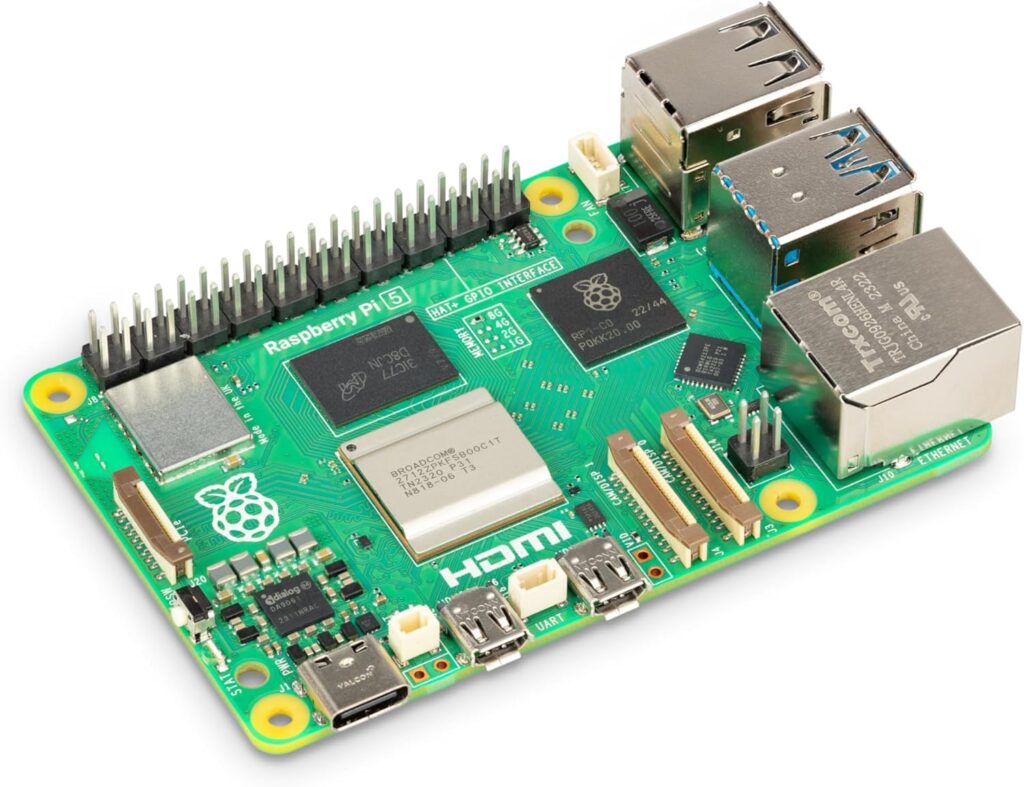
Introduction to Raspberry Pi for Developers: A Complete Beginner-Friendly Guide
The Raspberry Pi has become one of the most popular mini-computers in the world, especially among developers, IoT enthusiasts, embedded system engineers, and makers. With its low cost, small size, and powerful capabilities, the Raspberry Pi allows developers to build everything from home automation systems to AI-driven robotics. This guide gives you a complete introduction to Raspberry Pi, its features, supported programming languages, popular libraries, and important modules you can use to extend its power.
What Is Raspberry Pi?
The Raspberry Pi is a small single-board computer developed by the Raspberry Pi Foundation. Despite its compact size, it functions like a full desktop computer—supporting Linux-based OS, Python, C++, JavaScript, GPIO pin programming, and many hardware interfaces.
Developers use Raspberry Pi for:
- IoT (Internet of Things) projects
- Automation and robotics
- Machine learning and AI prototypes
- Home servers and media centers
- Networking and security experiments
- Education and coding practice
The latest versions like Raspberry Pi 5 offer significantly improved CPU, GPU, RAM, and USB 3.0 support, making it ideal for performance-heavy tasks.
| Image | Product | Features | Price |
|
Our Pick
1
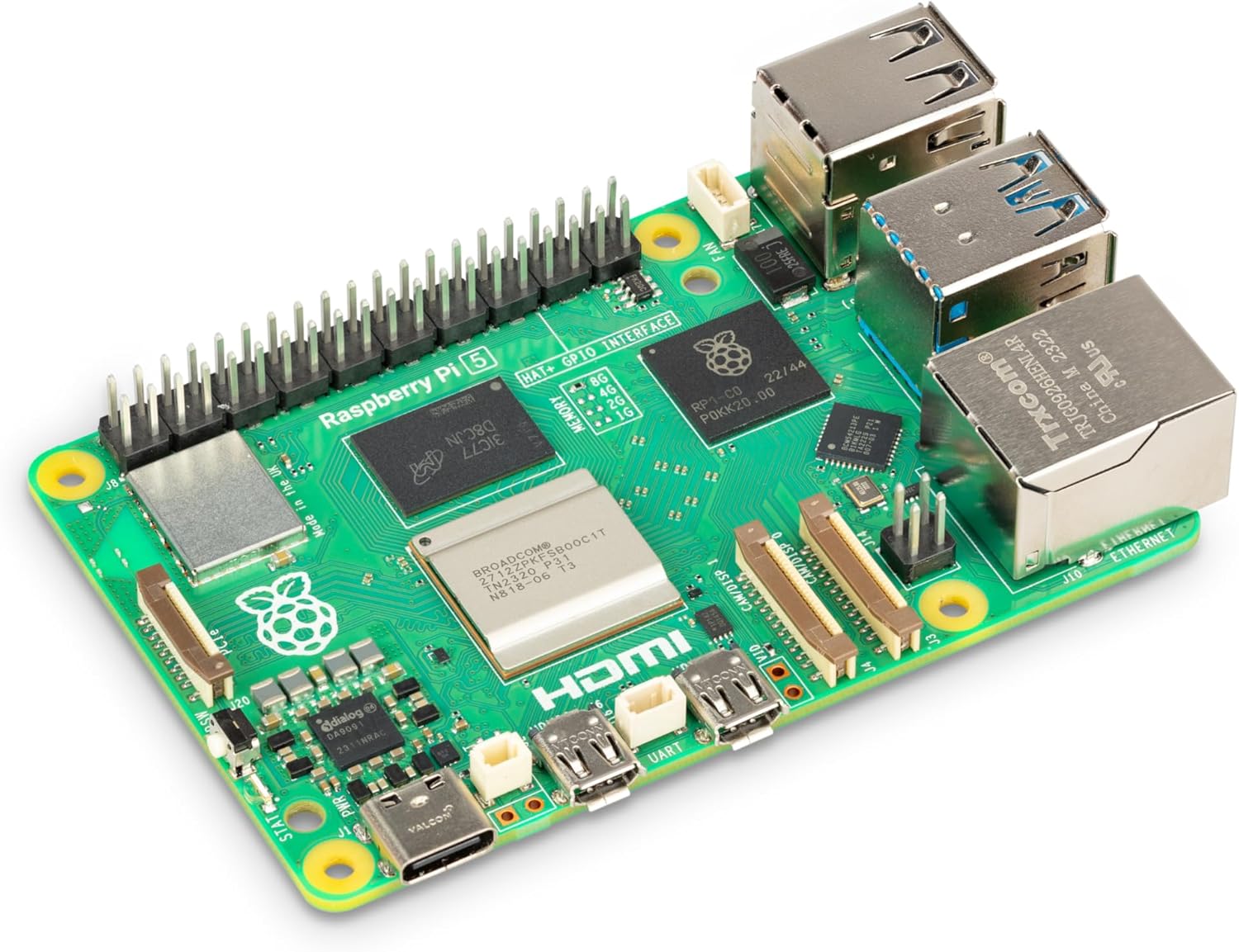 |
Raspberry Pi 5, 8GB |
Brand |
Why Developers Love Raspberry Pi
1. Cost-Effective Mini Computer
Compared to Arduino or other microcontrollers, the Raspberry Pi is a full computer capable of multi-tasking, running operating systems, and connecting to the internet.
2. Easy Programming with Python
Python is the official language for Raspberry Pi, allowing beginners and professionals to write hardware-interactive code easily using GPIO libraries.
3. Vast Community and Documentation
Millions of developers share tutorials, code snippets, GitHub repositories, and modules, making learning extremely easy.
Popular Raspberry Pi Libraries for Developers (With Links)
Raspberry Pi supports various programming libraries that give developers access to hardware, networking, sensors, and robotics. Below are the essential ones:
1. RPi.GPIO Library (Python)
Keyword: Raspberry Pi GPIO Python library
- Official link: https://pypi.org/project/RPi.GPIO/
This is the most widely used library for controlling the GPIO pins. You can read sensor data, control LEDs, buzzers, motors, and build automation systems.
import RPi.GPIO as GPIO
import time

GPIO.setmode(GPIO.BCM)
GPIO.setup(17, GPIO.OUT)

while True:
    GPIO.output(17, GPIO.HIGH)
    time.sleep(1)
    GPIO.output(17, GPIO.LOW)
    time.sleep(1)
2. GPIO Zero
Keyword: GPIO Zero for Raspberry Pi
- Official link: https://gpiozero.readthedocs.io/
A beginner-friendly Python library that simplifies hardware control. It includes high-level interfaces for LEDs, buttons, motors, and more.
3. PiCamera / Picamera2
Keyword: Raspberry Pi camera module library
- Official link: https://github.com/raspberrypi/picamera2
Used for capturing images, video streaming, computer vision, and AI projects using the Raspberry Pi Camera Module. Code below is for single camera capture
4. Sense HAT Library
Keyword: Raspberry Pi Sense HAT Python library
- Official link: https://pythonhosted.org/sense-hat/
Useful for data science and sensor-based applications. It reads temperature, humidity, pressure, gyroscope, and accelerometer values.
from sense_hat import SenseHat
sense = SenseHat()

sense.show_message("Hello Pi!")
5. Pygame for Raspberry Pi
Keyword: Pygame on Raspberry Pi
- Official link: https://www.pygame.org/news
Suitable for creating graphical interfaces, games, or dashboards on Raspberry Pi. Simple Window Code in Pygame
import pygame
pygame.init()

screen = pygame.display.set_mode((600, 400))
pygame.display.set_caption("Pygame Window Example")

running = True
while running:
    for event in pygame.event.get():
        if event.type == pygame.QUIT:
            running = False

    screen.fill((0, 0, 255))  # Blue background
    pygame.display.update()

pygame.quit()
6. OpenCV for Computer Vision
Keyword: OpenCV Raspberry Pi AI library
- Official link: https://opencv.org/
Developers use OpenCV to build AI-powered computer vision applications like face detection, object tracking, and machine learning.
import cv2

cap = cv2.VideoCapture(0)
ret, frame = cap.read()

if ret:
    cv2.imwrite("photo.jpg", frame)
    print("Photo saved as photo.jpg")

cap.release()
7. Flask / Django for Web Applications
Keyword: Raspberry Pi web server using Flask
- Flask: https://flask.palletsprojects.com/
- Django: https://www.djangoproject.com/
These libraries turn Raspberry Pi into a web server for dashboards, IoT APIs, and automation portals.
ALL OF THESE CODES COULD BE WRITTEN IN C++ FOR BETTER LOW LEVEL CONTROL. CHECK OUT
Essential Raspberry Pi Modules for Development
Raspberry Pi modules extend what the board can do. Below are popular modules that developers frequently use for IoT, robotics, and automation.
1. Raspberry Pi Camera Module
Captures images and videos for robotics, surveillance, and AI. Works with Picamera2 and OpenCV.
Use Cases
- Object detection
- Video streaming
- Face recognition
- Smart doorbells
| Image | Product | Features | Price |
|
Our Pick
1
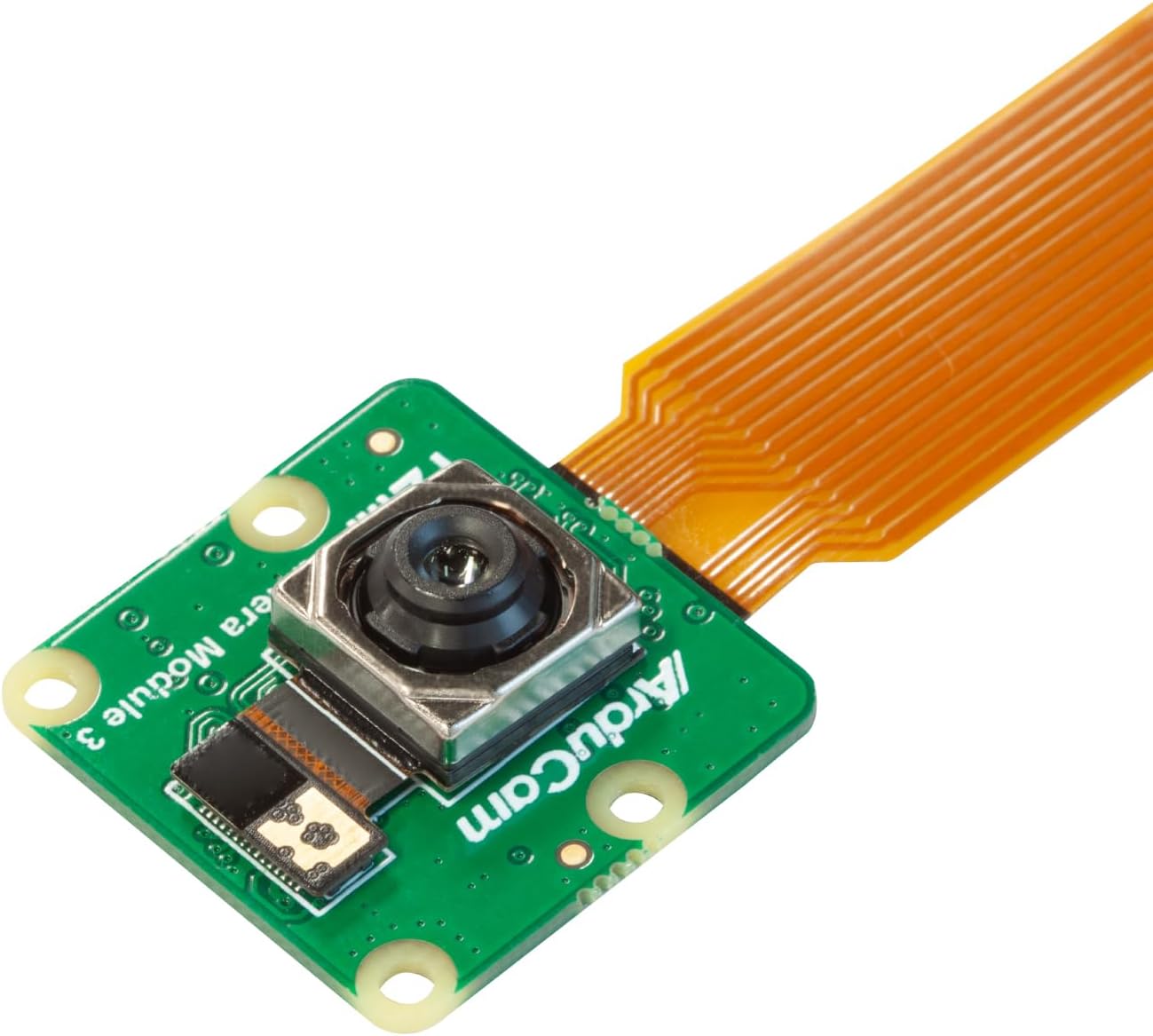 |
Arducam for Raspberry Pi Camera Module 3, 12MP IMX708 75°(D) Autofocus Pi Camera V3, 15-22pin FFC Cable |
Model Name |
2. Sense HAT Module
A sensor-packed add-on board used heavily in data logging, weather stations, and scientific experiments.
| Image | Product | Features | Price |
|
Our Pick
1
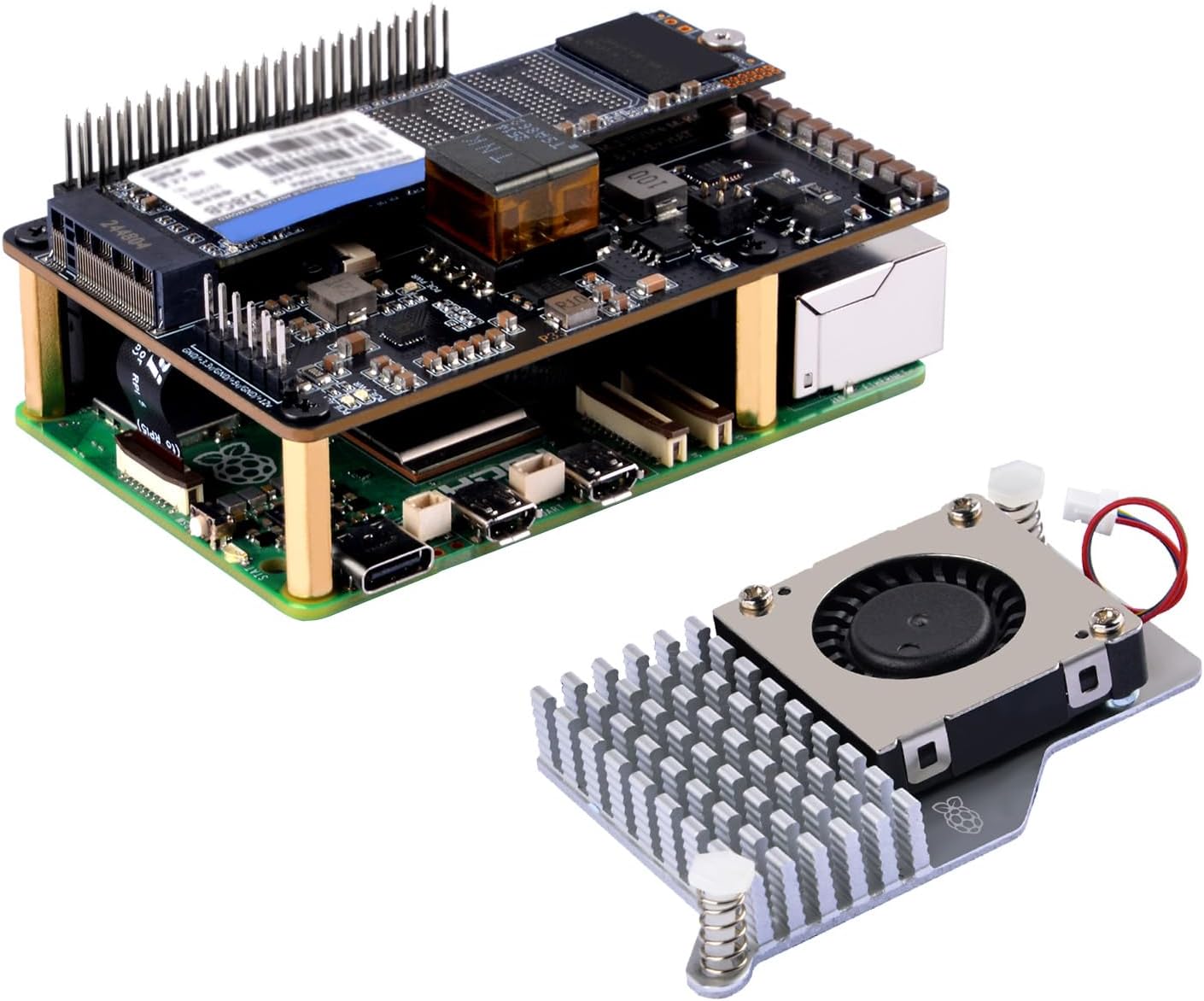 |
GeeekPi P33 M.2 NVME M-Key PoE+ Hat with Official Pi 5 Active Cooler for Raspberry Pi 5, Support M.2 NVMe SSDs 2230/2242/2260/2280 |
Compatible Devices |
Includes:
- Gyroscope
- Accelerometer
- Magnetometer
- Temperature/Humidity sensor
- LED matrix display
3. GPS Modules (Neo-6M, VK2828U7G5LF, etc.)
Used for navigation, mapping, and location-based IoT systems.
Where It Helps
- Drone tracking
- Vehicle logging
- Outdoor robotics
4. Motor Driver Modules (L298N, L293D)
Allow Raspberry Pi to control DC motors, servo motors, and robotic wheels.
Applications:
- Robotic arms
- Line-follower robots
- Automated vehicles
5. Wi-Fi & Bluetooth Modules
Most modern Raspberry Pi boards have built-in Wi-Fi and Bluetooth, but external modules improve range and stability.
6. Touchscreen Display Modules
Developers use them to build custom UI dashboards, home automation control panels, and portable mini computers.
| Image | Product | Features | Price |
|
Our Pick
1
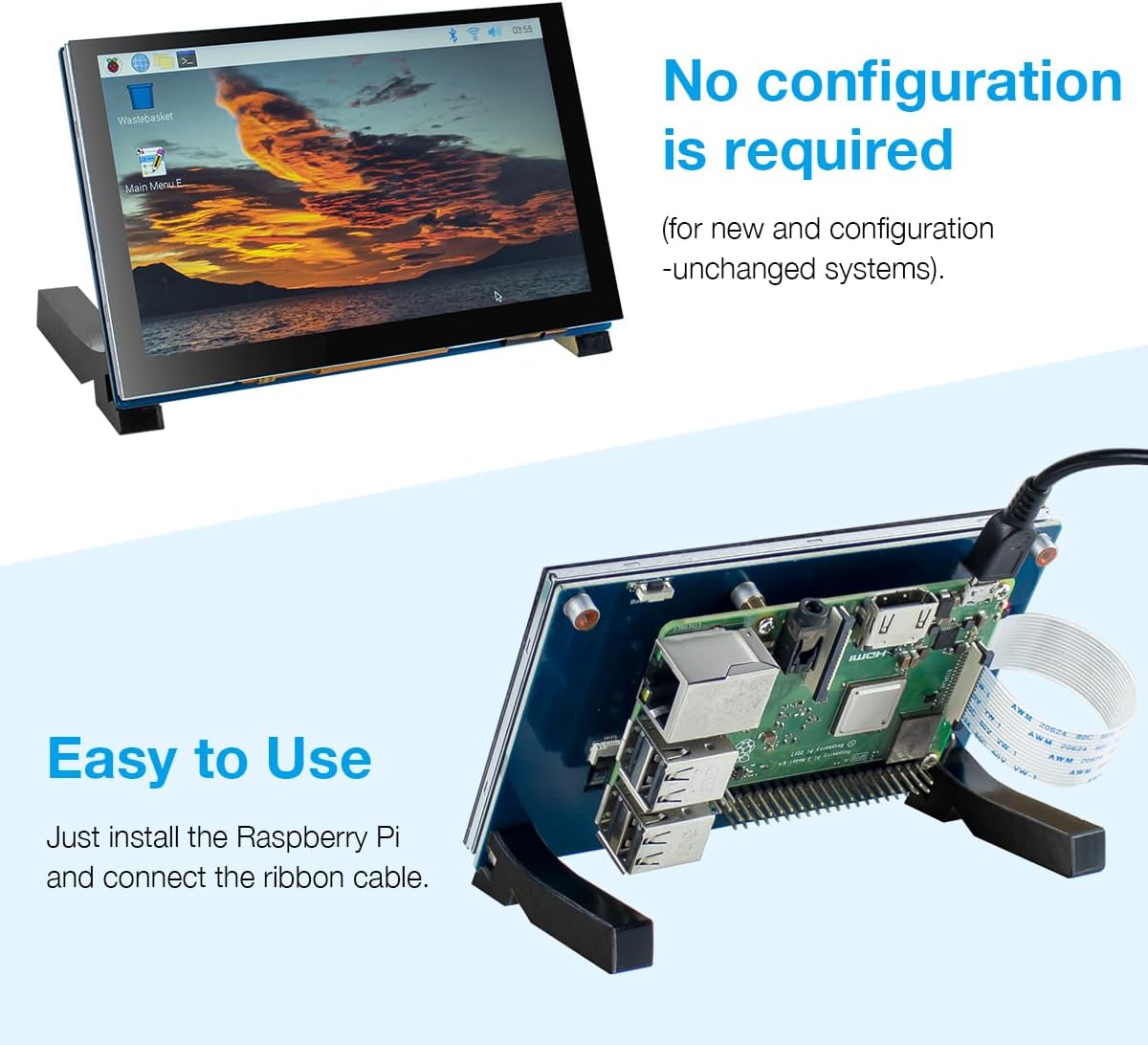 |
5 Inch Touchscreen IPS MIPI DSI Display Compatible with Raspberry Pi 5/4/3, 800×480 Pixel Capacitive Screen Driver-Free Interface |
Brand |
How Raspberry Pi Benefits Developers in Real Projects
1. IoT & Home Automation
Developers use Raspberry Pi with sensors and libraries like GPIO Zero and MQTT to build smart home devices.
2. Robotics & AI
Combined with OpenCV, TensorFlow Lite, and motor modules, Pi becomes a reliable robotics brain.
3. Cloud & Networking Projects
You can create a personal cloud, VPN server, or network monitoring tool with lightweight Python scripts.
4. Learning Linux & Embedded Systems
Raspberry Pi is the perfect starting point for developers wanting to understand Linux, Bash, SSH, containers, and networking.
Final Thoughts
The Raspberry Pi is a powerful tool for developers of all levels. Its combination of affordability, flexibility, strong community support, and powerful hardware makes it ideal for IoT, automation, robotics, and AI experiments. With libraries like GPIO Zero, RPi.GPIO, and OpenCV, developers can build professional-grade applications quickly.
Whether you’re building your first LED blinking project or deploying a full automation system, Raspberry Pi gives you everything you need to innovate.


The Raspberry Pi’s ability to handle performance-heavy tasks, especially with the latest version, is impressive. It’s exciting to think about how it’s being used in fields like AI and robotics, where even small computers can make a huge impact.